
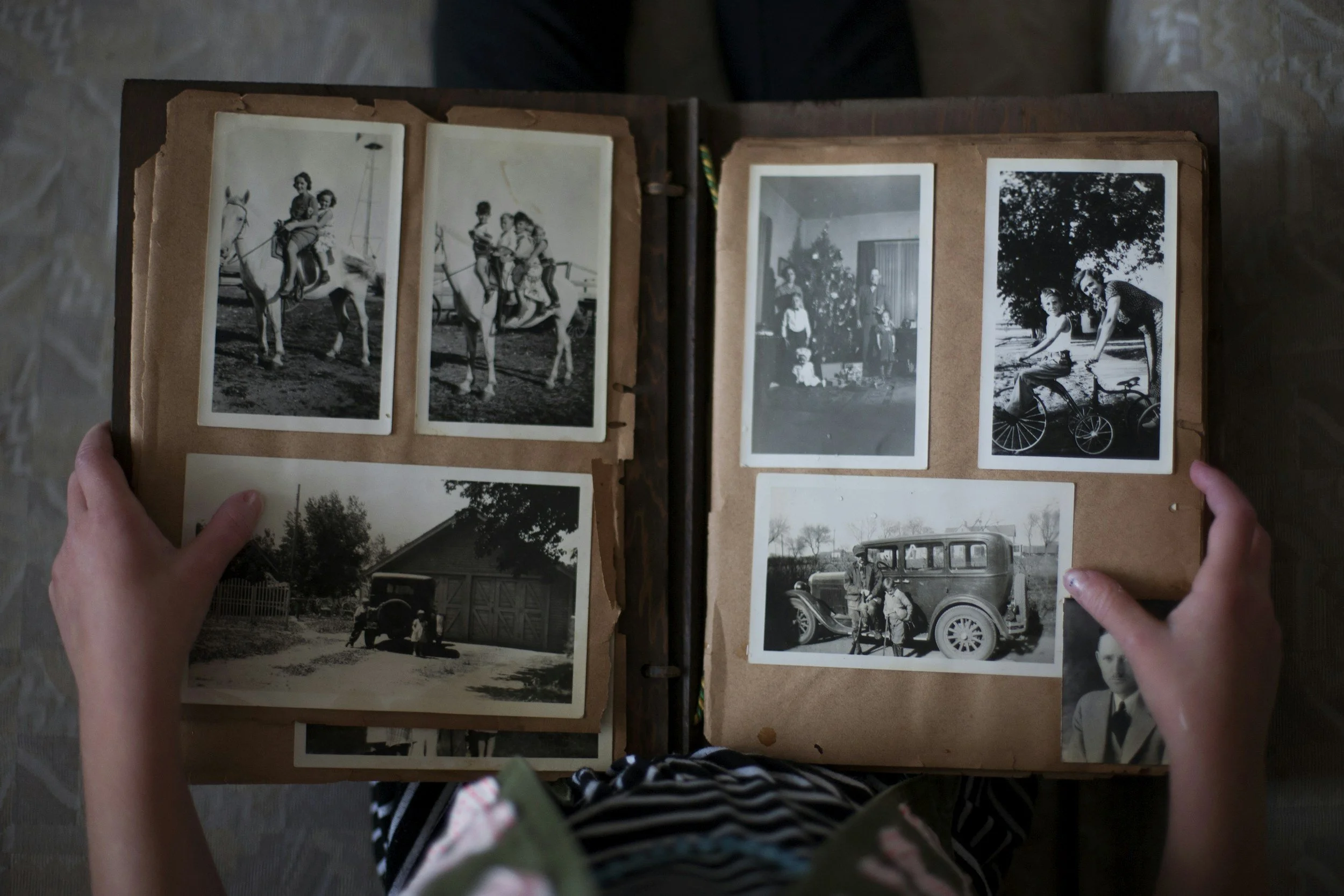
Preserve the Stories That Matter Most
Curate a beautifully designed digital archive that preserves photographs, memories, and the life story of someone you love.
One-time creation. No subscription. Designed to last for generations.
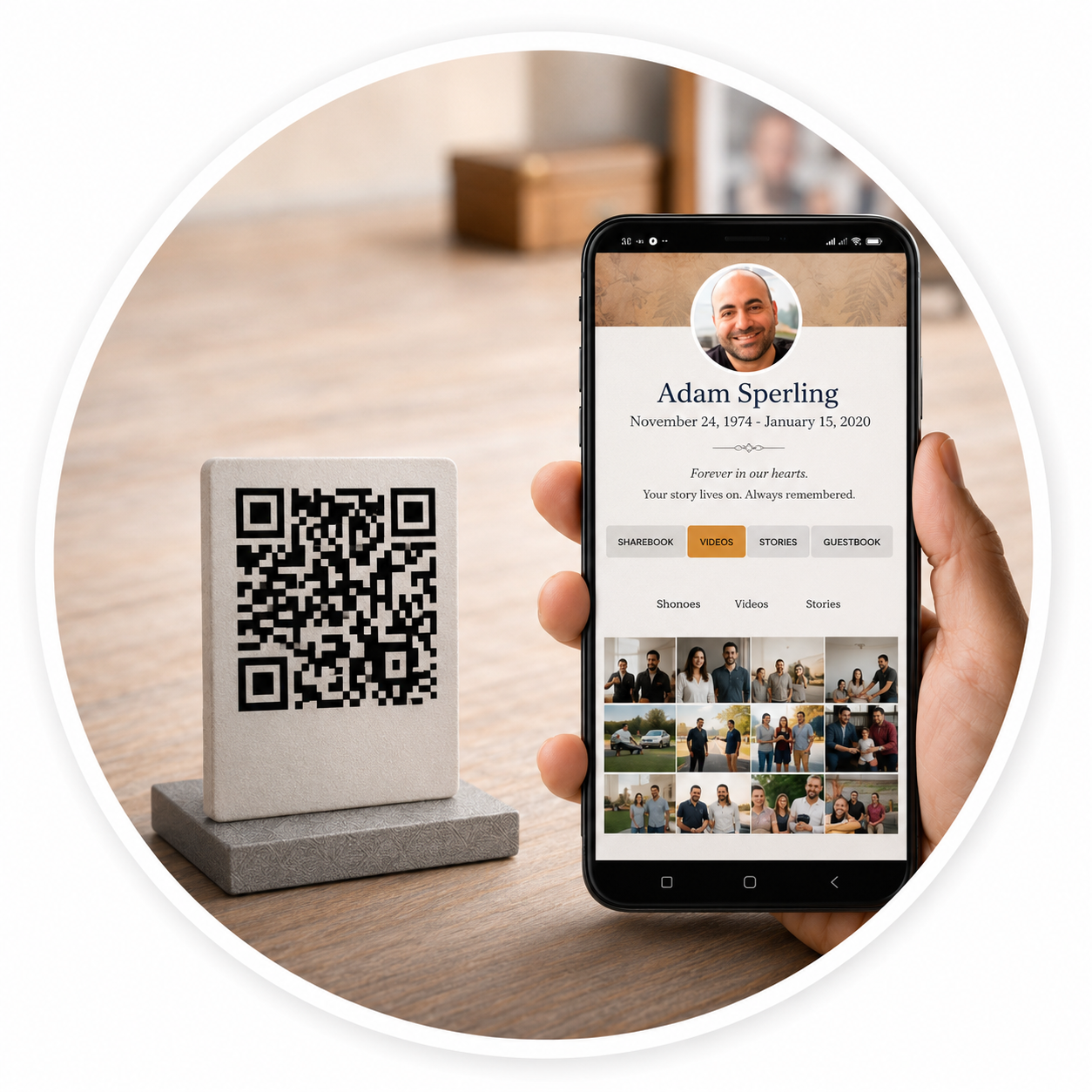

The Process
-
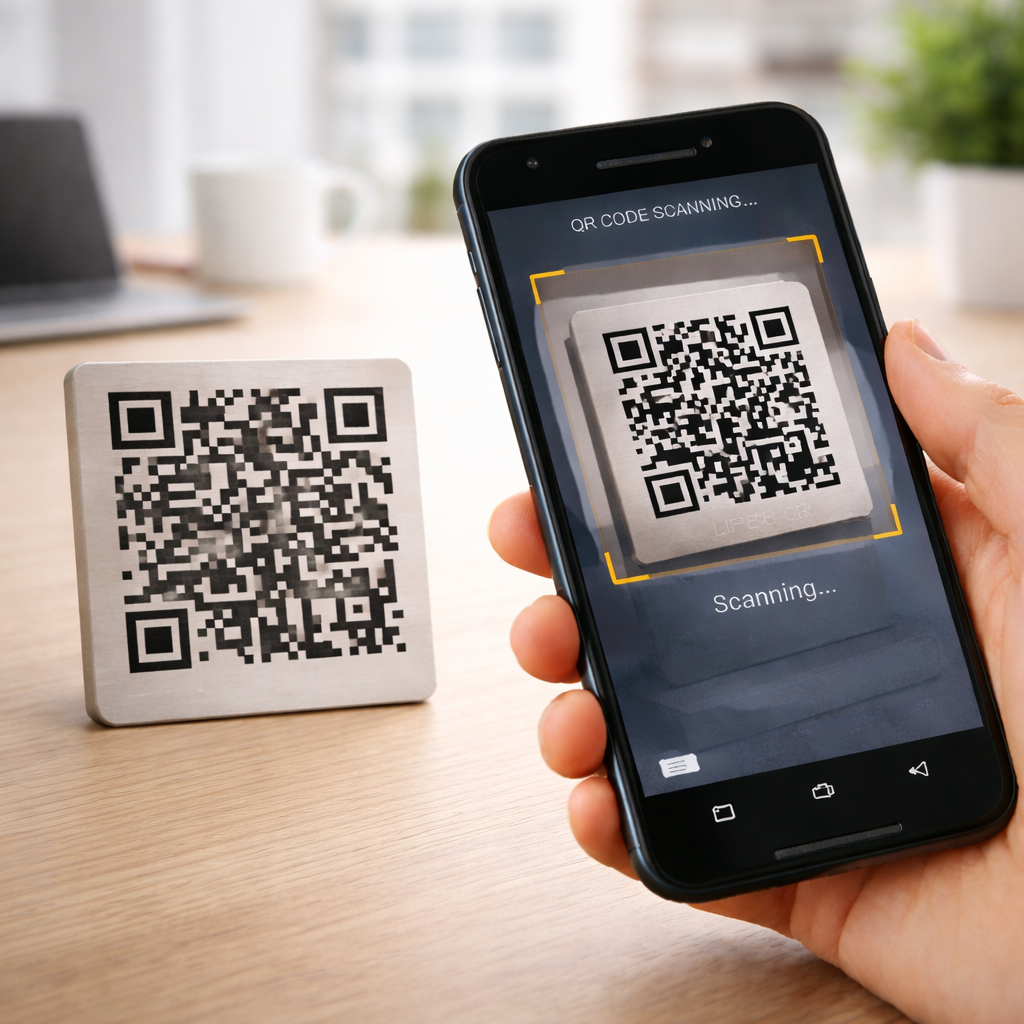
Scan your Legacy QR Marker
Register by Scanning the QR marker
Using your smartphone, open your camera or QR scanner and scan the marker. This will direct you to a secure registration page where you can begin creating and managing your legacy website.
-

Link your Legacy QR Marker
Link the QR to Your Account
After scanning your QR marker, you will be directed to the registration page where you can either login to an existing account or create a new one. Once linked, follow the prompts and begin creating your own personal legacy archive.
Tip: For the best editing experience, we recommend the use of a PC or tablet.
-
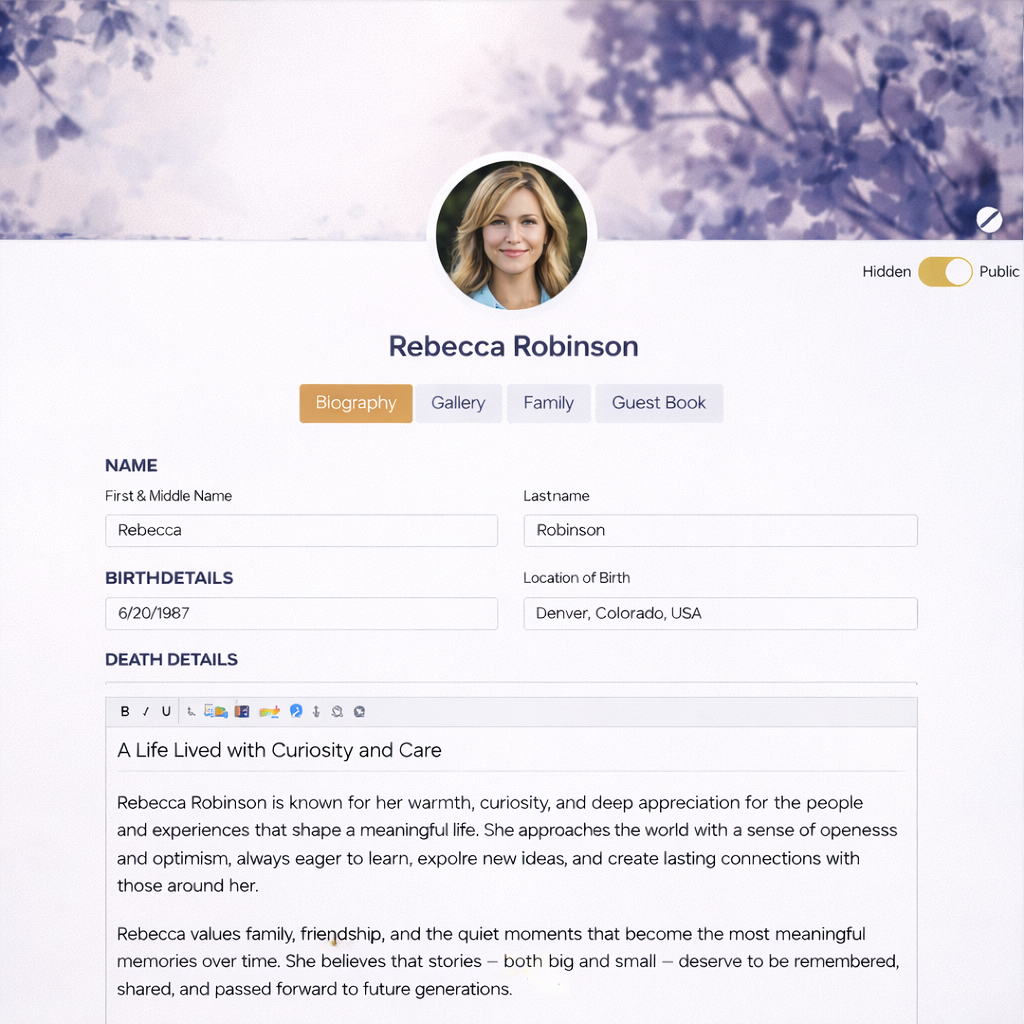
Curate your Legacy Website
Your Legacy Begins Here
Once logged in to your account, begin creating and personalizing your or your loved one’s legacy page. From there, you may add photos, write a biography, and customize the sections of the page. Your progress can be saved at any time throughout the process.
-

Share your Story
Share Your Legacy With the World
You are now ready to share your legacy website! Simply toggle the visibility switch at the top of the profile page from Hidden to Public.
Once published, your page will become accessible to anyone who scans the QR marker.